
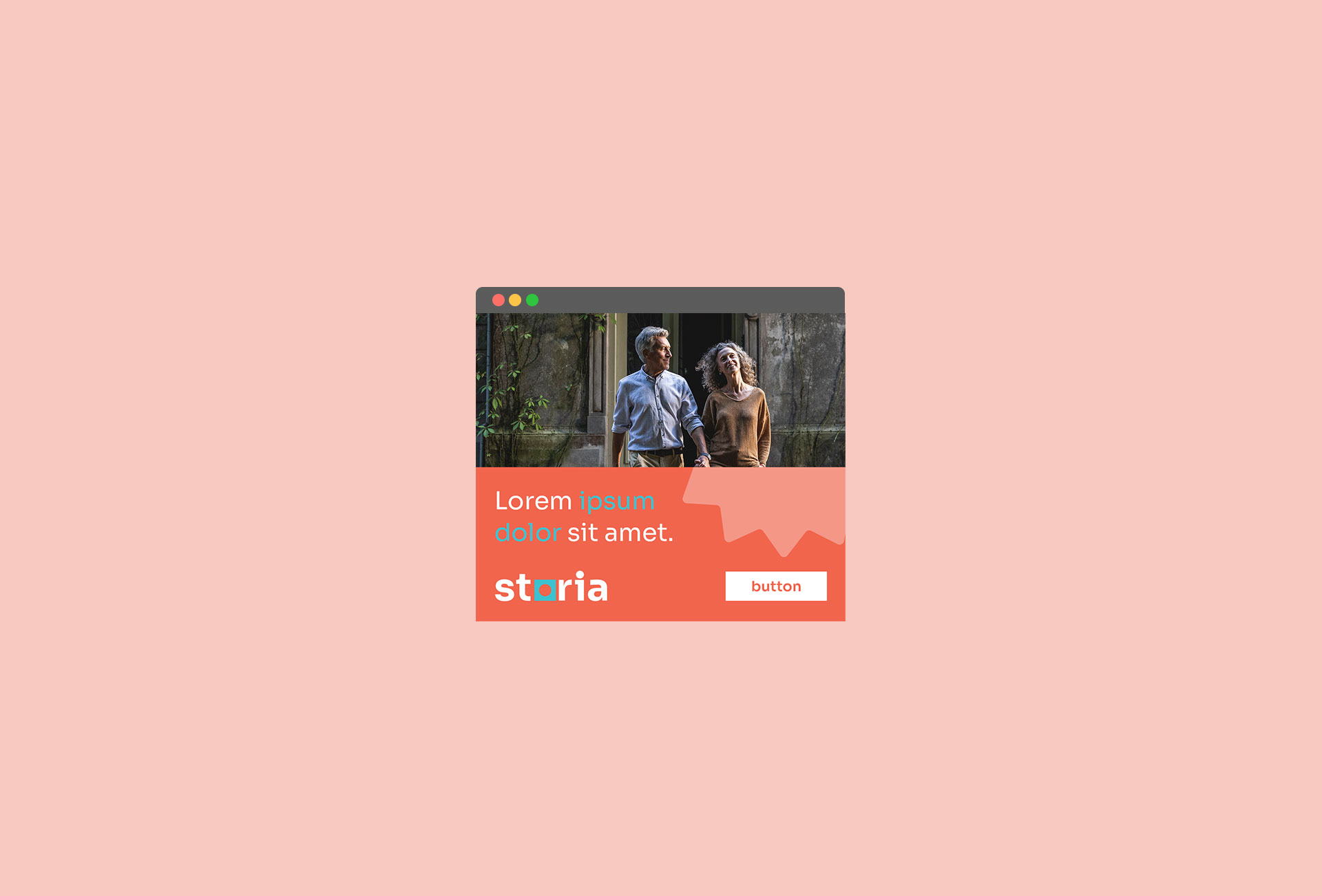
Formats
Layout system created for Storia was based on the idea behind the creation of rectangular backgrounds with cropped circle.
Simple block-based mechanism has a lot of potential for adapting and expanding while crating simple and coherent layouts. They adapt easily to other graphic forms e.g. photos, while at the same time leaving enough room for CTA buttons.
These layouts use main colors along with the additional ones. Shapes cropped within color fields leave enough room for any message included within the design.
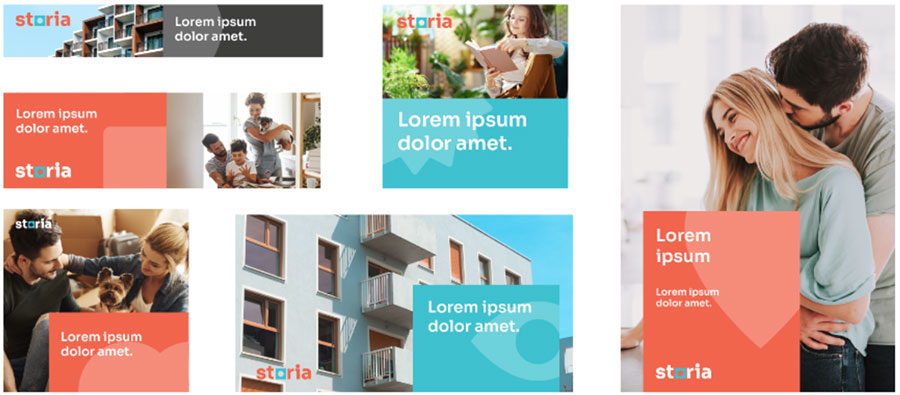
Types of layouts
Storia’s Visual Identity covers 3 types of layouts, which serve as a base for bigger and more complex designs.
The first layout is build with a photograph and a text block. In the second one the focal point are the photos, while in the third one the Solid is a base for the photo composed into the shape.
Last update: 28.02.2024
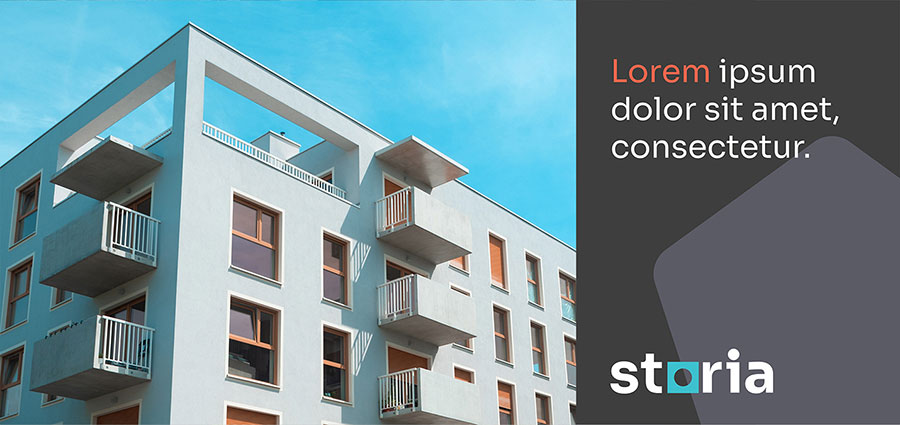
Solid layout
Solid layout allows to easily manage the layout and compose a photo into the format. This type of layout can be used on both sides of the format and expand over the three edges.
Grey solid allows the use of the logo in colour version, while the colour one uses a logo on photo. A mock-up of a screen with the app can also be an additional element of the layout.
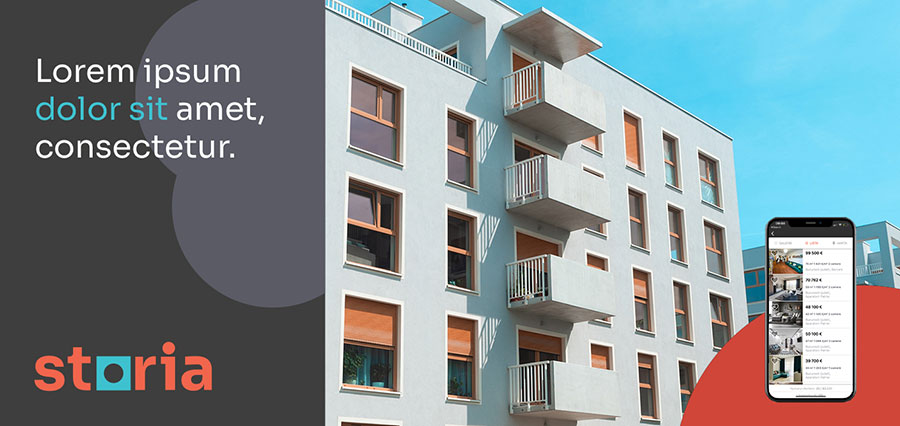
Grey solid
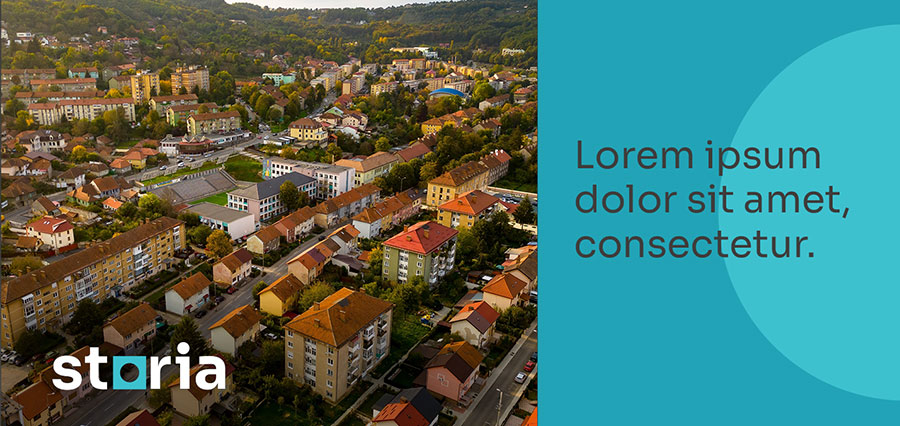
Aqua Blue solid
Last update: 28.02.2024
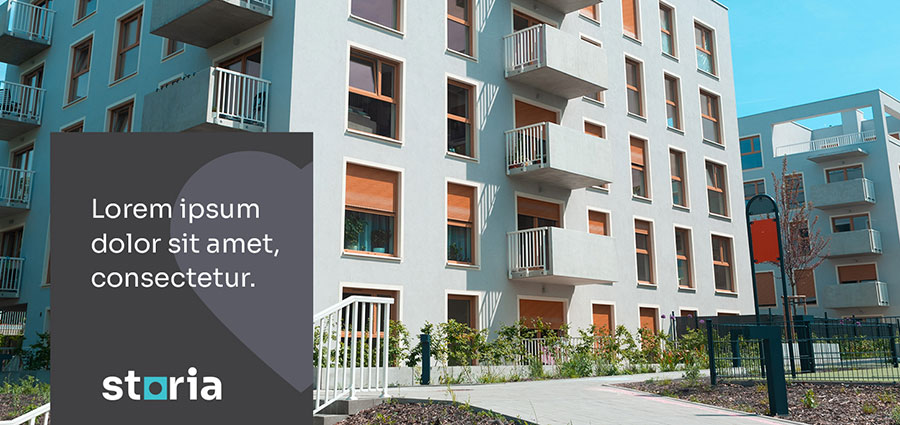
Block layout
Layout using a rectangular block is based on a photo which dominates the format. A tangerine, aqua blue or grey block is a space for text and is designed into th photo.
The same rules for the logo use are applied here as in the Solid layout. The color block can also use additional colors.
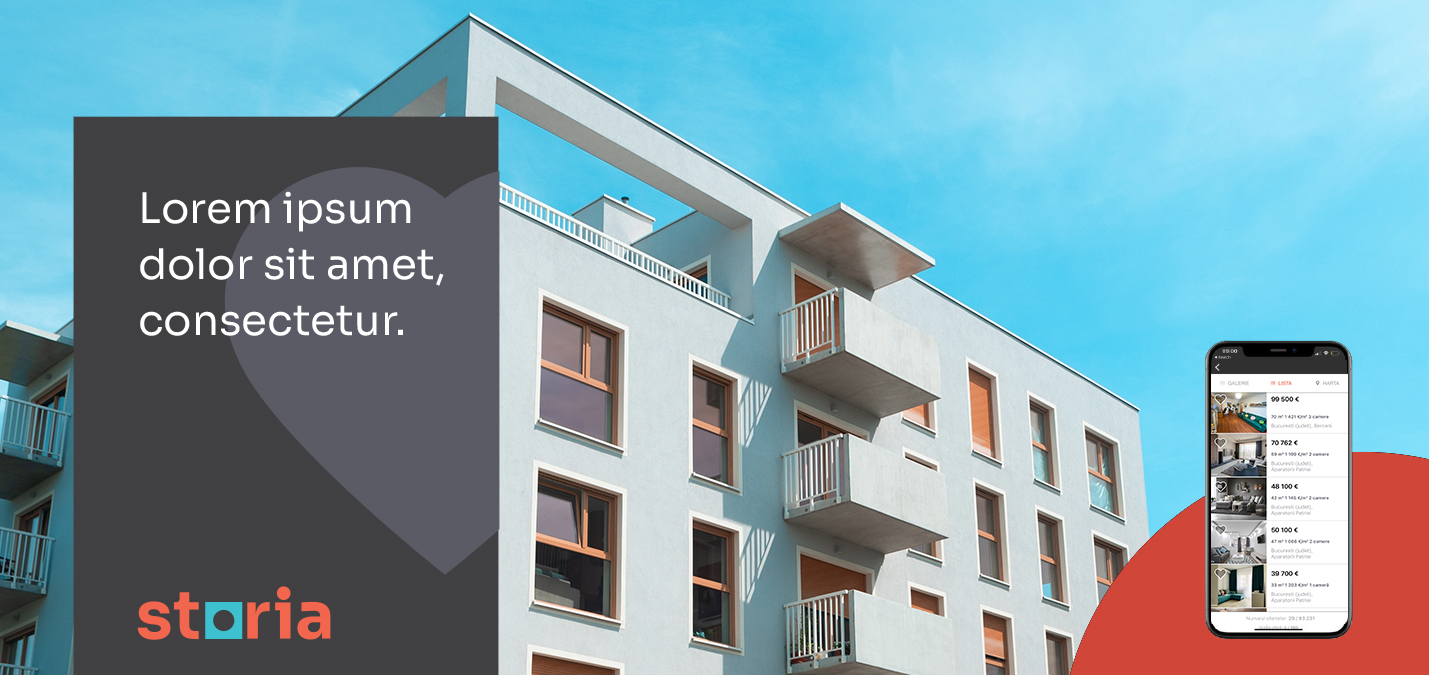
Grey block
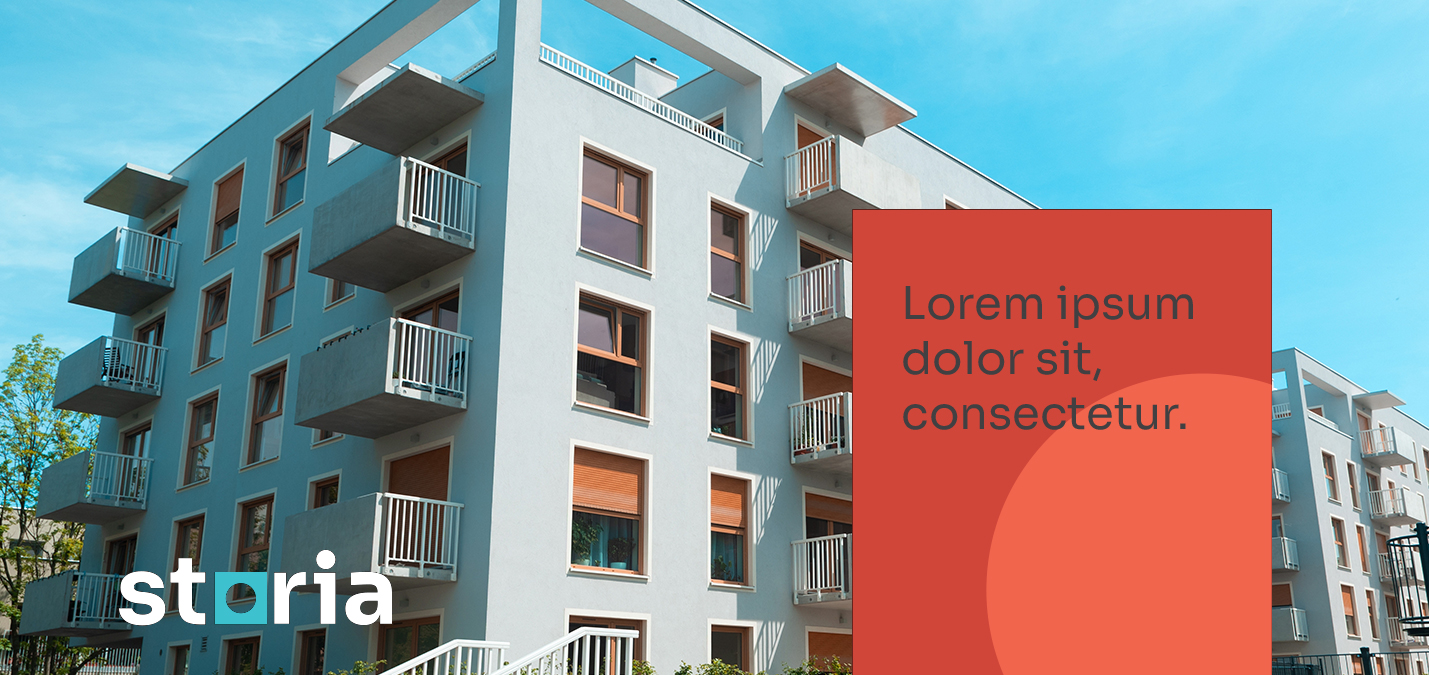
Tangerine block
Last update: 28.02.2024
Shape layout
A special type of layout is a so called shape, which is a placeholder for a photo. The shape can be an motion icon or another abstract graphic element. The shapes should always draw upon the headlines. The Shape layout can be tangerine with a agua blue logotype. It can also use different colors, with the logo in its negative version.
This variant of the layout allows the use of the photo as a background, while the text is being used within the shape.
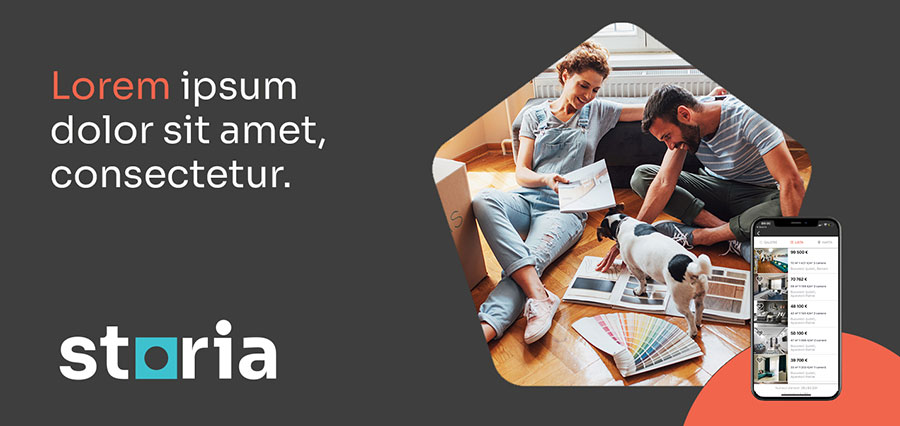
Shape as a placeholder for photo
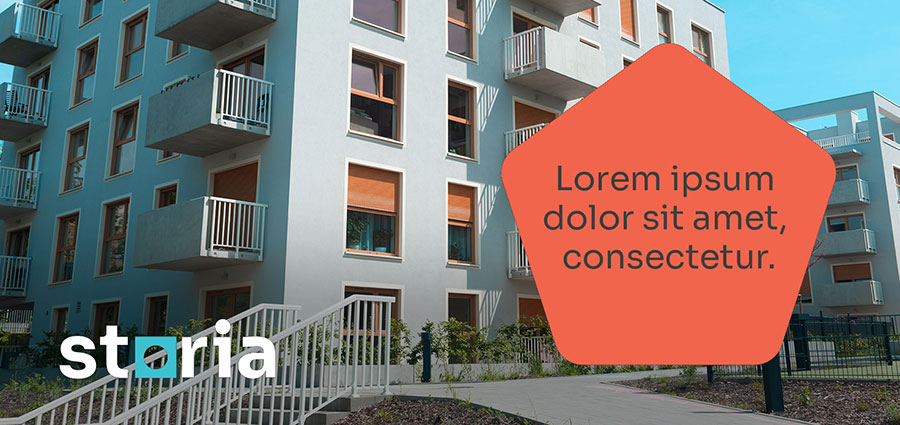
Shape as a text field
Last update: 28.02.2024
Vertical layouts
Solid and Block layouts can be usd in print, especially in a horizontal composition. It is recommended to use a tangerine, aqua blue or grey background, which work best in print and is a standard color code for Storia.
Example shown here is a A4 format of a printed ad.
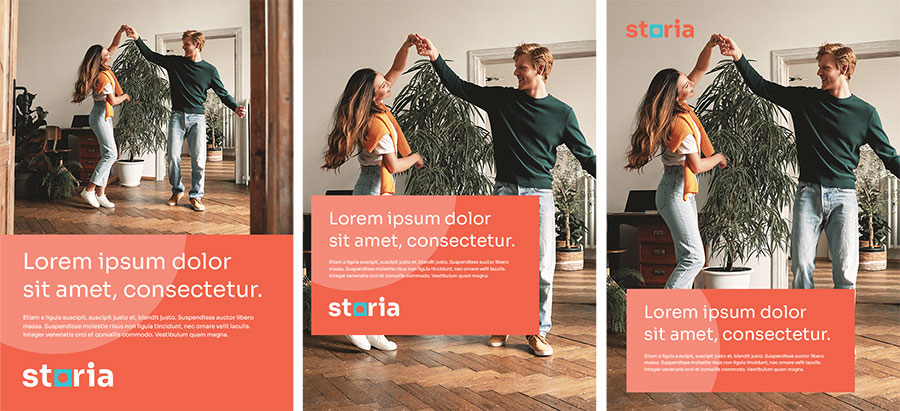
Solid and Block vertical layouts
Last update: 28.02.2024
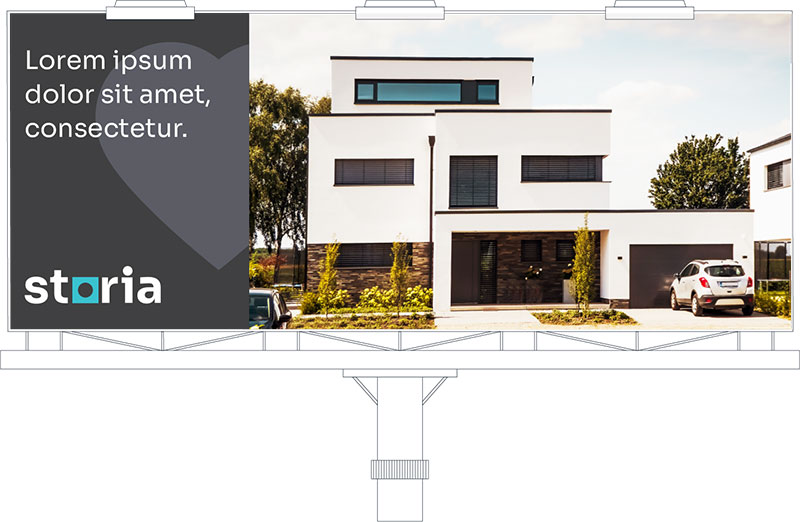
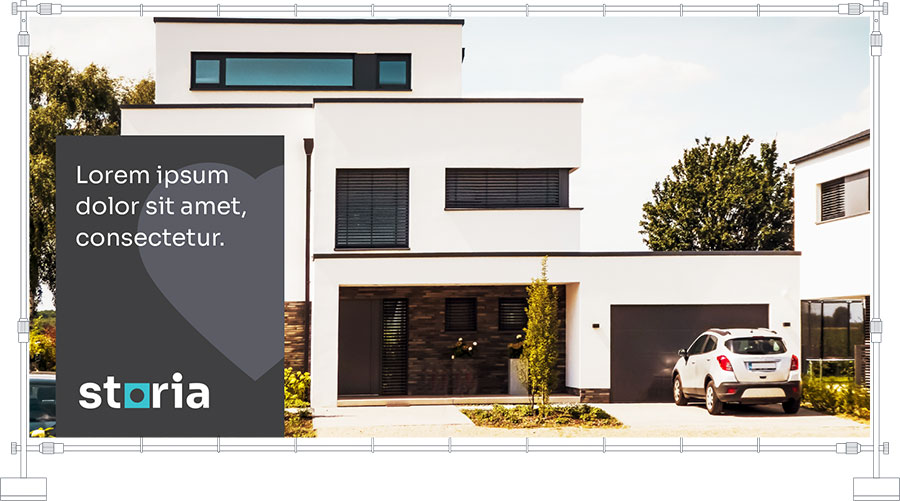
Outdoor layouts
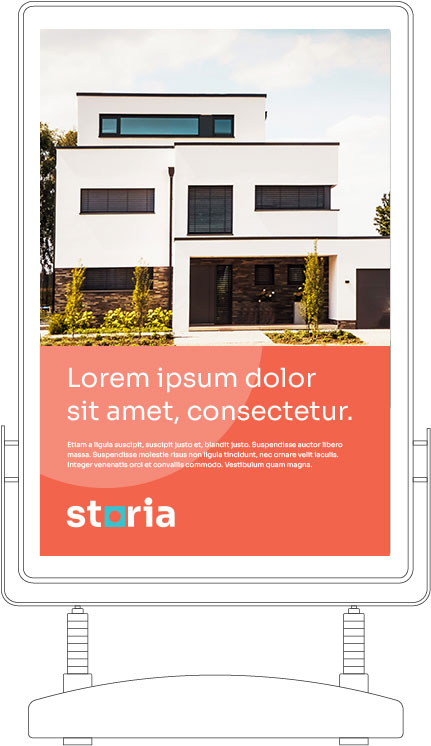
Examples of the use of the layouts in the most common outdoor formats:
billboards 300 x 600 cm, 200 x 400 cm and citylight 120 x 180 cm
Last update: 28.02.2024
